• Home
  • Games
    Action Adventure Simulated Business Role Playing Sports Competition Casual Puzzle Card Strategy Music Rhythm Word Puzzle Flight Shooting Love Development
  • Apps
    Business Office Communication and Social Lifestyle and Entertainment Online Shopping Utility Tools Travel Travel Finance Education Learning Information Reading Sports and Health
  • Blogs

English 中文(简体) 中文(繁体) 한국어 日本語 Português Español Русский العربية Indonesia Deutsch Français ภาษาไทย
Home Apps Lifestyle and Entertainment Razer Forge ADB Debug
Razer Forge ADB Debug
Razer Forge ADB DebugDownload
1
2
3
4
5
9.3

Zombie Gunship Survival

  • Version 1.0.13
  • Category Lifestyle and Entertainment
  • Package Name com.razerzone.pearlyn.switchmode
  • Update Time November 5, 2025
  • Size 1.87MB
About this app

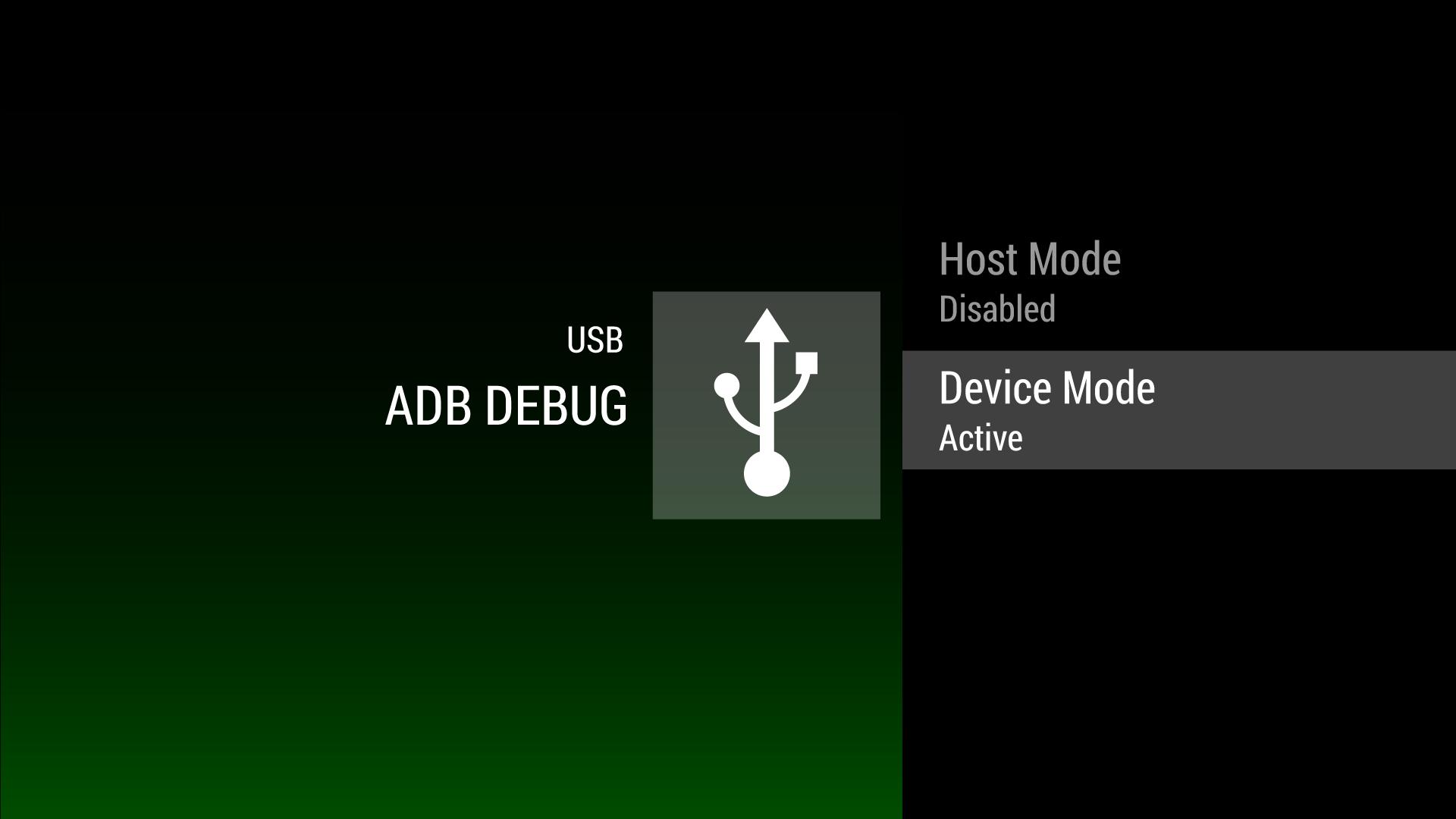
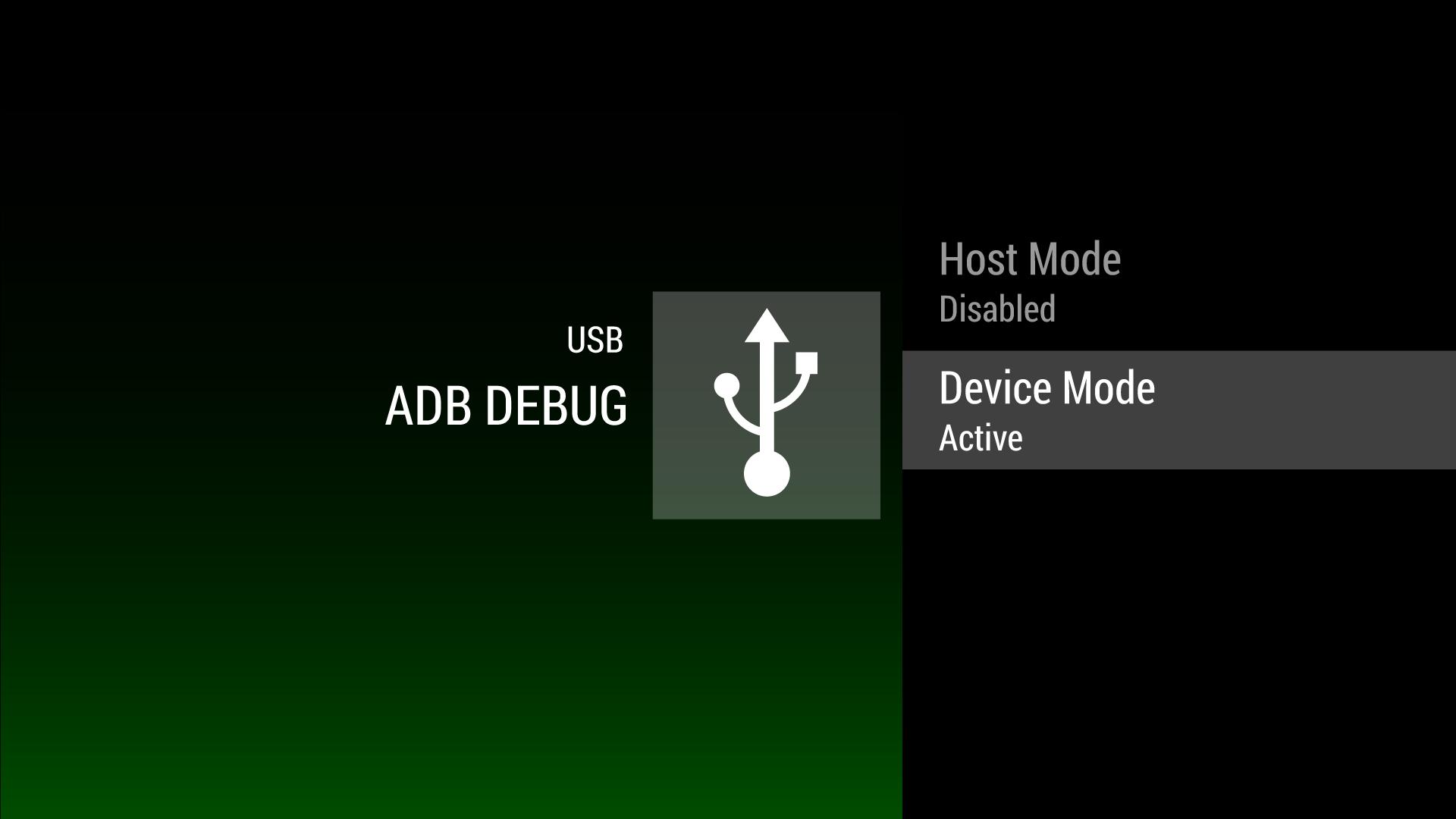
This debugging tool for changes the USB port function.

How to debug the Razer Forge Using ADB…

Switching the USB Port

The single USB port on the back of the Forge can be both a host and device USB port. By default, the box boots as a host USB port and is not capable of being debugged through USB. This application in called “Switch Mode” that allows you to set the USB port to device mode.

Connecting to the PC

1. The forge is connected to your PC through the USB A-to-A cable. These cables can be purchased at online easily. Do not buy a USB transfer cable.

2. Here is an example cable on Amazon - http://amzn.com/B003VTZ070

Enabling Developer Mode

1. Go to “Settings” from the home screen

2. Go to “About”

3. Click on the “Build” info until developer mode is unlocked

4. Go back to the home screen

5. Go to “Settings”

6. The “Preferences” row will now have a “Developers options”

7. Go to “Debugging”

8. Turn on “USB debugging”

Installing Drivers

1. This step requires that you’ve already installed the Google ADB drivers from the SDK.

2. Go to device manager and select “Update Driver Software…” on the “Android” device that is banged out.

3. Select “Browse my computer for driver software”

4. Select “Let me pick from a list of device drivers on my computer”

5. Select “Android Device”

6. Select “Android ADB Interface”

Enabling ADB

1. This step tells ADB that the VID/PID from the Razer Forge should be used for ADB.

2. Run the SDK's tools to generate an ADB configure file: [YOUR ADB MAY BE INSTALLED AT SOME OTHER PLACE] C:Program FilesAndroidandroid-sdktools> android.bat update adb

3. Modify the adb usb configure file to add the new vendor id 0x1532.

Example adb_usb.ini (normally located at C:Users\.androidadb_usb.ini) file…

# ANDROID 3RD PARTY USB VENDOR ID LIST -- DO NOT EDIT.

# USE 'android update adb' TO GENERATE.

# 1 USB VENDOR ID PER LINE.

0x1532

After these steps, running adb devices should show Razer Forge as a found device. Once adb is connected through USB, it can be configured though networking by following these instructions…

http://developer.android.com/tools/help/adb.html#wireless
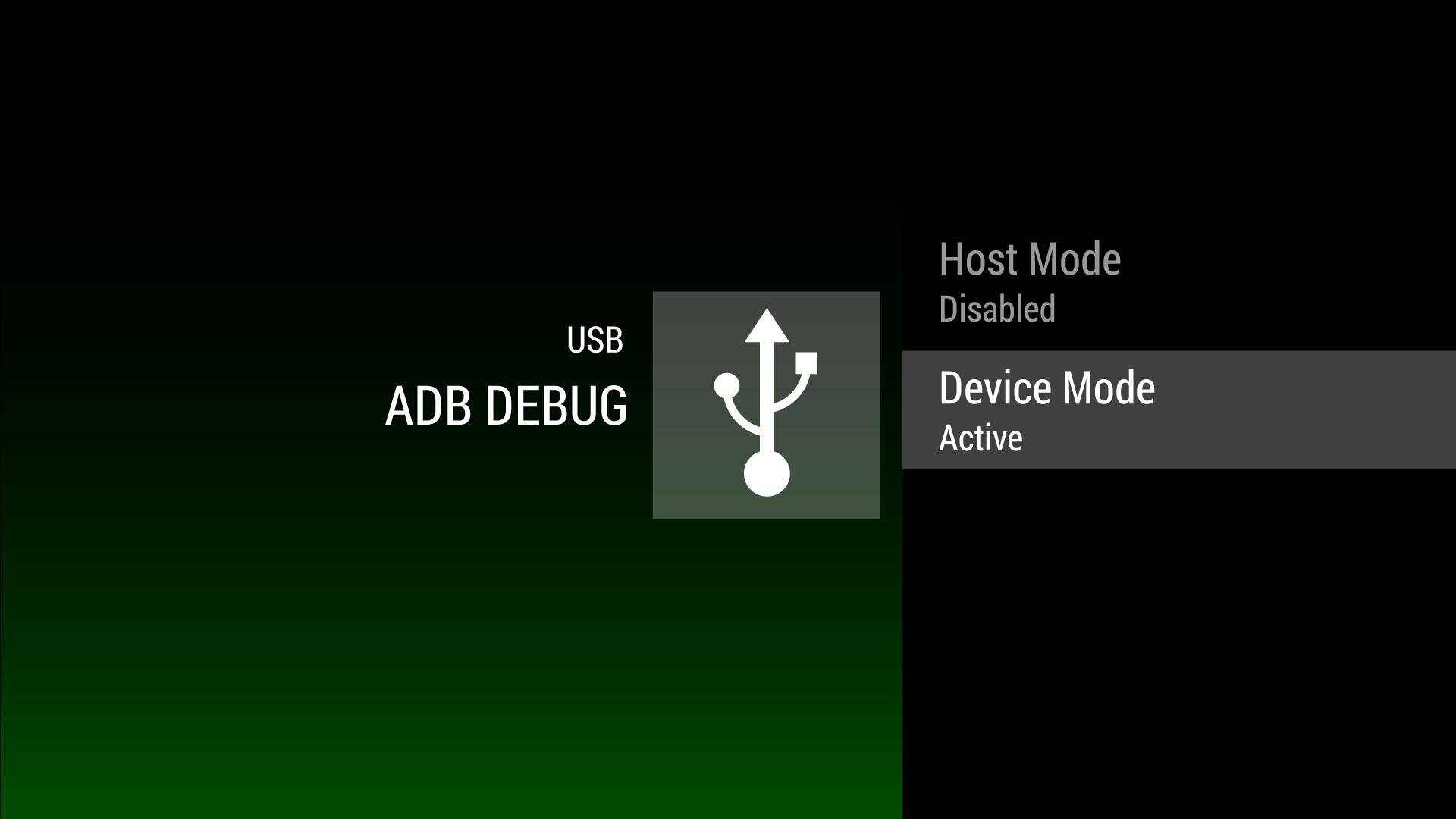
Screenshots
Razer Forge ADB Debug
Users also viewed
  • Sternzeichen Eigenschaften

    Sternzeichen Eigenschaftenr

    1.1 January 22, 2026
    7.8
    1
    2
    3
    4
    5
  • Terracotta(Clay) Jewellery

    Terracotta(Clay) Jewelleryr

    1.0 January 22, 2026
    8.9
    1
    2
    3
    4
    5
  • Car Engine Sounds

    Car Engine Soundsr

    1.1.24 January 22, 2026
    8.9
    1
    2
    3
    4
    5
  • BR 24/7 - Baton Rouge Events

    BR 24/7 - Baton Rouge Eventsr

    1.18.9 January 21, 2026
    8.4
    1
    2
    3
    4
    5
  • Scouter

    Scouterr

    2.1 January 21, 2026
    8.2
    1
    2
    3
    4
    5
  • Led Flashlight App +Torchlight

    Led Flashlight App +Torchlightr

    1.0.17 January 21, 2026
    8.9
    1
    2
    3
    4
    5
  • Champagne Blast: Pop the Cork!

    Champagne Blast: Pop the Cork!r

    1.0.9 January 21, 2026
    8.8
    1
    2
    3
    4
    5
  • Pepe Snap

    Pepe Snapr

    2.0.6 January 21, 2026
    8.2
    1
    2
    3
    4
    5
  • My Photo on Bike

    My Photo on Biker

    1.1 January 21, 2026
    7.3
    1
    2
    3
    4
    5
  • TeleForged

    TeleForgedr

    1.2 January 20, 2026
    7.8
    1
    2
    3
    4
    5
You may also be interested
  • Taktische Zeichen Trainer

    Taktische Zeichen Trainerr

    1.8 February 5, 2026
    7.8
    1
    2
    3
    4
    5
  • ZAYN - Entertainer - Piano Magic Tiles

    ZAYN - Entertainer - Piano Magic Tilesr

    1.0 February 5, 2026
    9.4
    1
    2
    3
    4
    5
  • Five Nights at Homunculus

    Five Nights at Homunculusr

    2.0 February 5, 2026
    8.2
    1
    2
    3
    4
    5
  • Geek 2 Chic

    Geek 2 Chicr

    1.1.1 February 5, 2026
    7.1
    1
    2
    3
    4
    5
  • Go Tractor!

    Go Tractor!r

    4.7.36 February 5, 2026
    7.2
    1
    2
    3
    4
    5
  • Letter Drop

    Letter Dropr

    1.1.1 February 5, 2026
    8.2
    1
    2
    3
    4
    5
  • Bouncy Bouncing Shuriken Ball

    Bouncy Bouncing Shuriken Ballr

    1.0 February 5, 2026
    7.4
    1
    2
    3
    4
    5
  • Fish Games

    Fish Gamesr

    1.4 February 5, 2026
    9.2
    1
    2
    3
    4
    5
  • Yum Yum Sushi Puzzle

    Yum Yum Sushi Puzzler

    1.2.2 February 5, 2026
    8.9
    1
    2
    3
    4
    5
  • Master Guide for MCPE

    Master Guide for MCPEr

    1.0 February 5, 2026
    7.4
    1
    2
    3
    4
    5
Categories Games
  • Action AdventureAction Adventure
  • Simulated BusinessSimulated Business
  • Role PlayingRole Playing
  • Sports CompetitionSports Competition
  • Casual PuzzleCasual Puzzle
  • Card StrategyCard Strategy
  • Music RhythmMusic Rhythm
  • Word PuzzleWord Puzzle
  • Flight ShootingFlight Shooting
  • Love DevelopmentLove Development
Categories Apps
  • Business OfficeBusiness Office
  • Communication and SocialCommunication and Social
  • Lifestyle and EntertainmentLifestyle and Entertainment
  • Online ShoppingOnline Shopping
  • Utility ToolsUtility Tools
  • Travel TravelTravel Travel
  • FinanceFinance
  • Education LearningEducation Learning
  • Information ReadingInformation Reading
  • Sports and HealthSports and Health
About Privacy Policy Terms of Service Cooking Policy

© Copyright 2017-2026 downtg.com