 Download
Free Myanmar Browserr
3.2 January 22, 2026- 7.2
- 1
- 2
- 3
- 4
- 5


Displays Cell Broadcast (Area information) messages better than native Android.
The Cell Broadcast Display is an application that improves the way Android phones display Cell Broadcast messages.
Cell Broadcast (CB) is a messaging system like SMS, but is “one-to-many”. In other words, mobile operators can use CB to send a message to every mobile phone connected (camping) on a particular cell. Each phone receives the same message. There is no facility to reply. Typically CB is used to provide weather, location, or emergency information. It is a free service. There are multiple information “channels” on CB (1-999), with channel 50 being the default channel.
If several cells in a network are transmitting messages, the phone will only receive the messages from the cell providing the strongest signal (i.e. the one it is “camping” on). As relative signal strength can change over time, messages may be received from neighbouring cells, even if the phone is stationary.
How to use Cell Broadcast Display
1. Activate the CB feature in the phone Settings menu. Typically this is: Messaging ->Settings -> CB Activation
• If the phone asks for a channel number, select channel 50. This is the default channel.
• Manufactures implement CB is various ways so there is no general configuration rule. Some Android phones do not offer CB at all. Cell Broadcast Display app will not work with these phones.
2. Download, install and run the Cell Broadcast Display app.
3. Create a widget.
4. CB is generally offered on 2G (GSM) and/or 3G (UMTS) only (not usually on LTE). Force the phone to use the correct technology using the phone Settings menu.
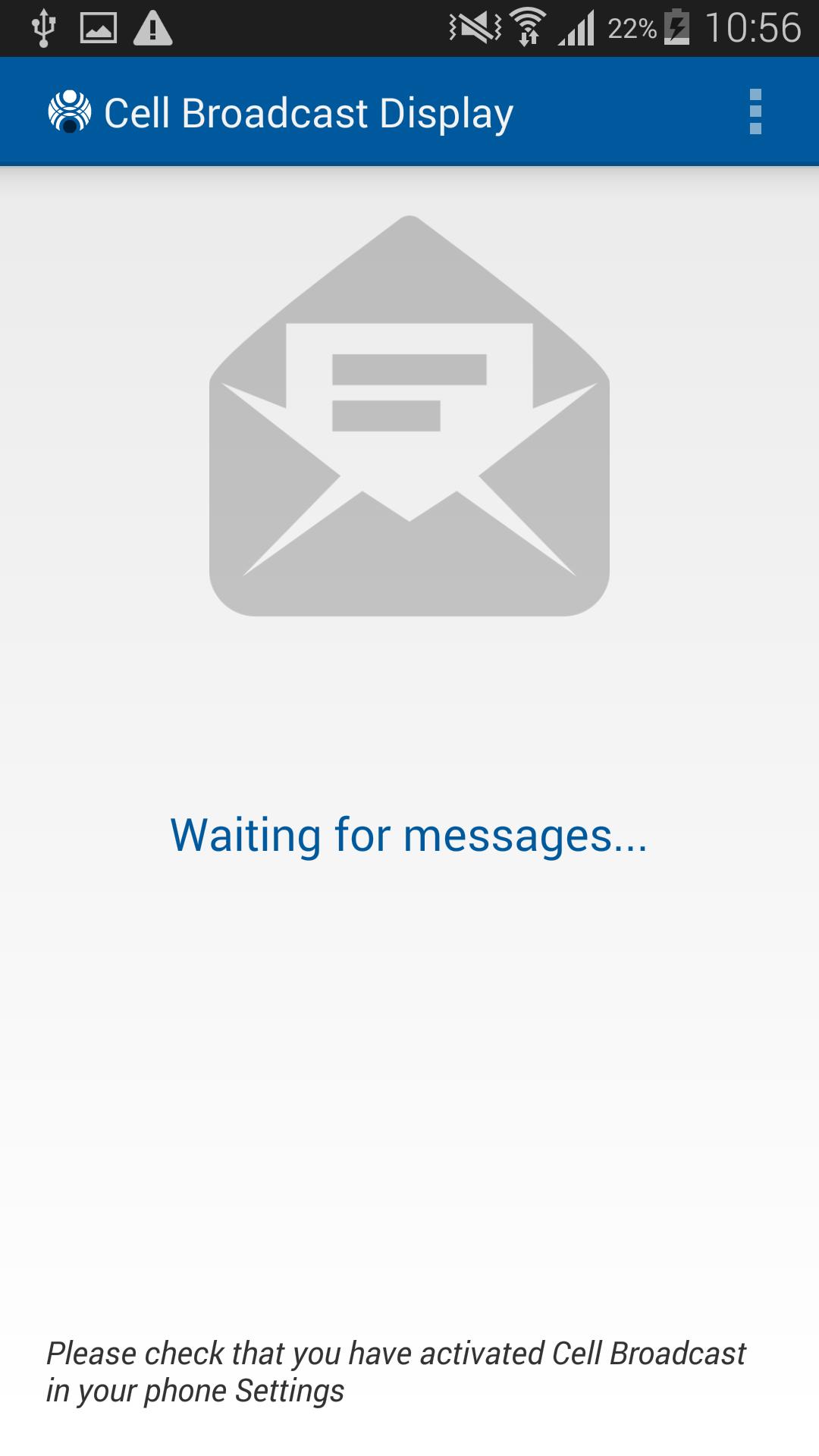
5. Return to the app home page and wait for the phone to receive the messages. This may take some time.
What if you do not receive the messages?
1. Not all Android phones support CB. If you cannot find a way to configure CB in the phone Settings, this may mean that your phone does not support this feature.
2. Not all mobile operators use Cell Broadcast. Check whether this service is offered by your operator.
3. Check that your phone is using the correct radio technology (2G and/or 3G). Some operators may implement the service on only one of the radio technologies.
4. Check that you have activated Cell Broadcast in the phone Settings menu, and selected channel 50 or another channel which is in use.
5. Restarting the phone may erase CB Settings configuration. Check that these are still valid.
Features
The Cell Broadcast Display app was developed because Android OS typically does not handle CB conveniently. Depending on the manufacturer’s implementation the:
• CB messages are often treated as an SMS and are inserted into the SMS Inbox – causing congestion
• Phone sometimes beeps when a message is received
• Message may be displayed in a dialog box, which needs to be manually dismissed
The Cell Broadcast Display app was developed to solve these problems. Its features are:
• Displays any CB message received by the phone, according to the CB channels configured in the phone Settings.
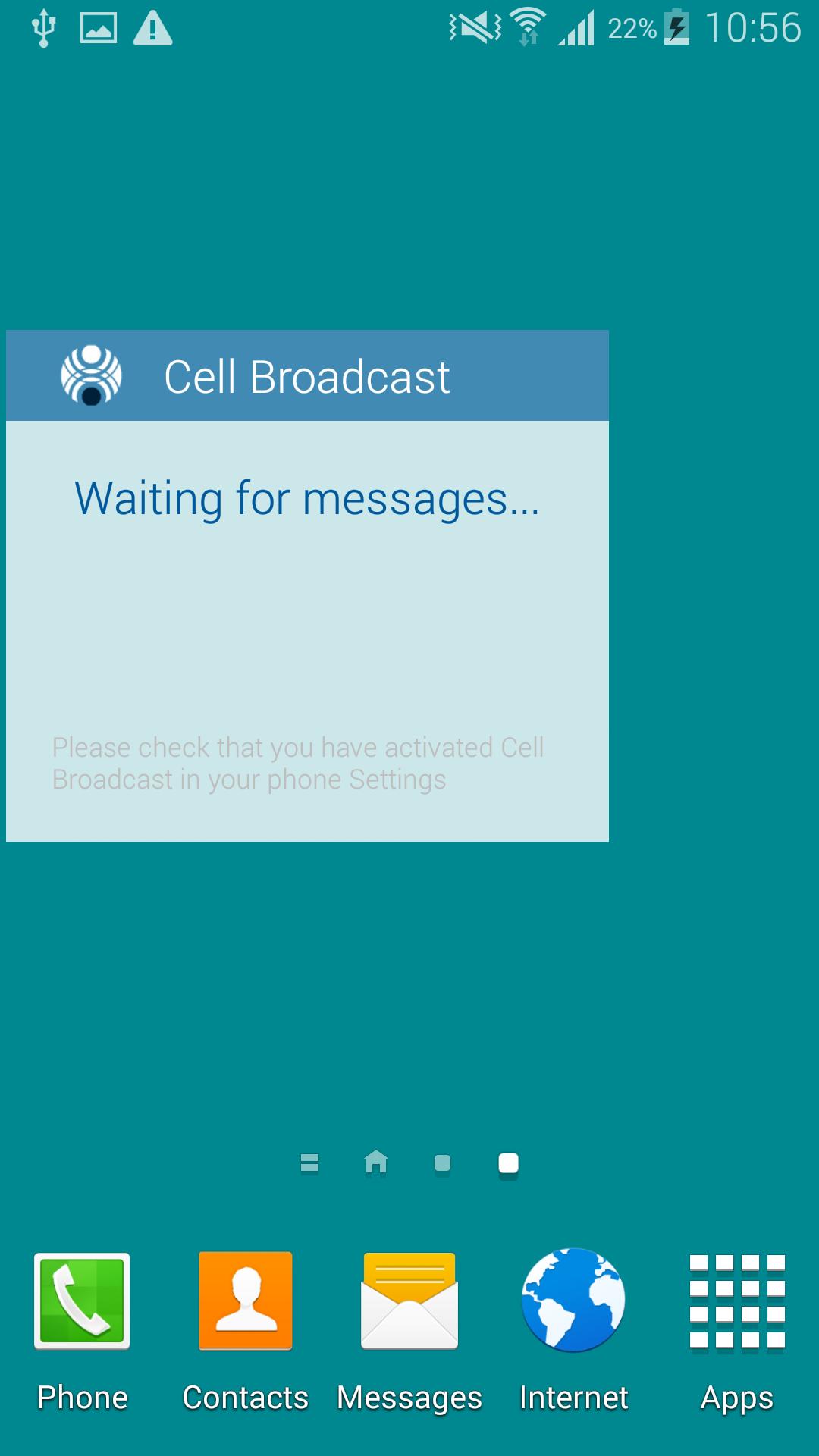
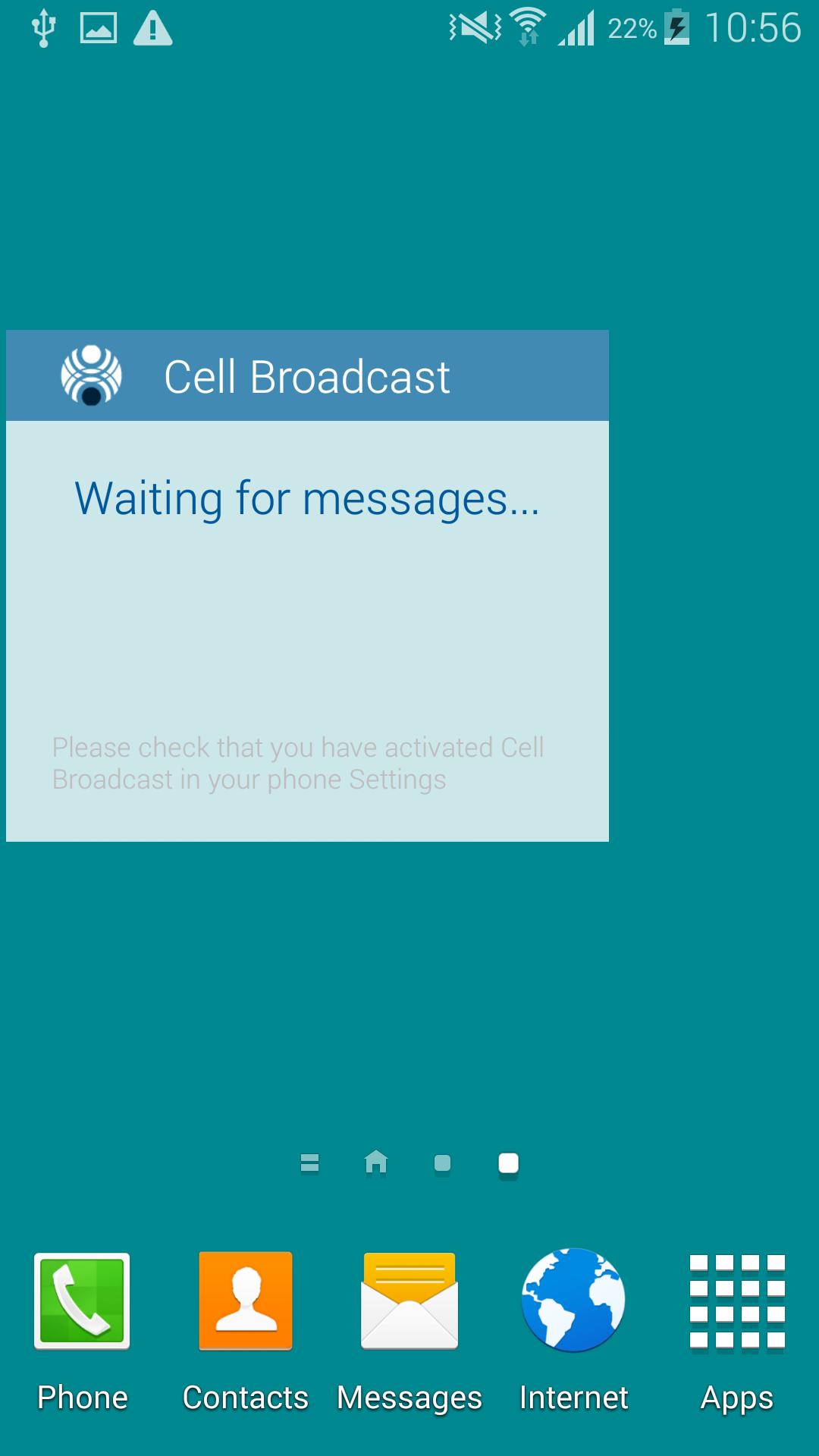
• The CB messages are presented silently in a widget, with a large, readable font
• The most recent message is displayed in the widget but the app has an archive of the last 10 messages.
• The CB message is not sent to the SMS Inbox, avoiding the need to manually delete them.
• Cell Broadcast Display is a passive app; it only receives CB messages. It does not generate any messages.
Use of Cell Broadcast Display with Dynamic Tariffing
The Cell Broadcast Display app has been developed specifically for use with the Dynamic Tariffing (DT) network feature which some mobile operators have implemented to offer mobile users discounted Voice, SMS or Data services.
DT can offer subscribers very low-cost calls; for example up to 99% discount – this means you only pay 1% of the normal tariff. The DT system changes call tariffs hourly. These are determined uniquely for each cell. The tariff, is presented as a discount ranging from 0% to 99%, and communicated continuously from each cell to the user via CB messages.





 Action Adventure
 Simulated Business
 Role Playing
 Sports Competition
 Casual Puzzle
 Card Strategy
 Music Rhythm
 Word Puzzle
 Flight Shooting
 Love Development
 Business Office
 Communication and Social
 Lifestyle and Entertainment
 Online Shopping
 Utility Tools
 Travel Travel
 Finance
 Education Learning
 Information Reading
 Sports and Health